
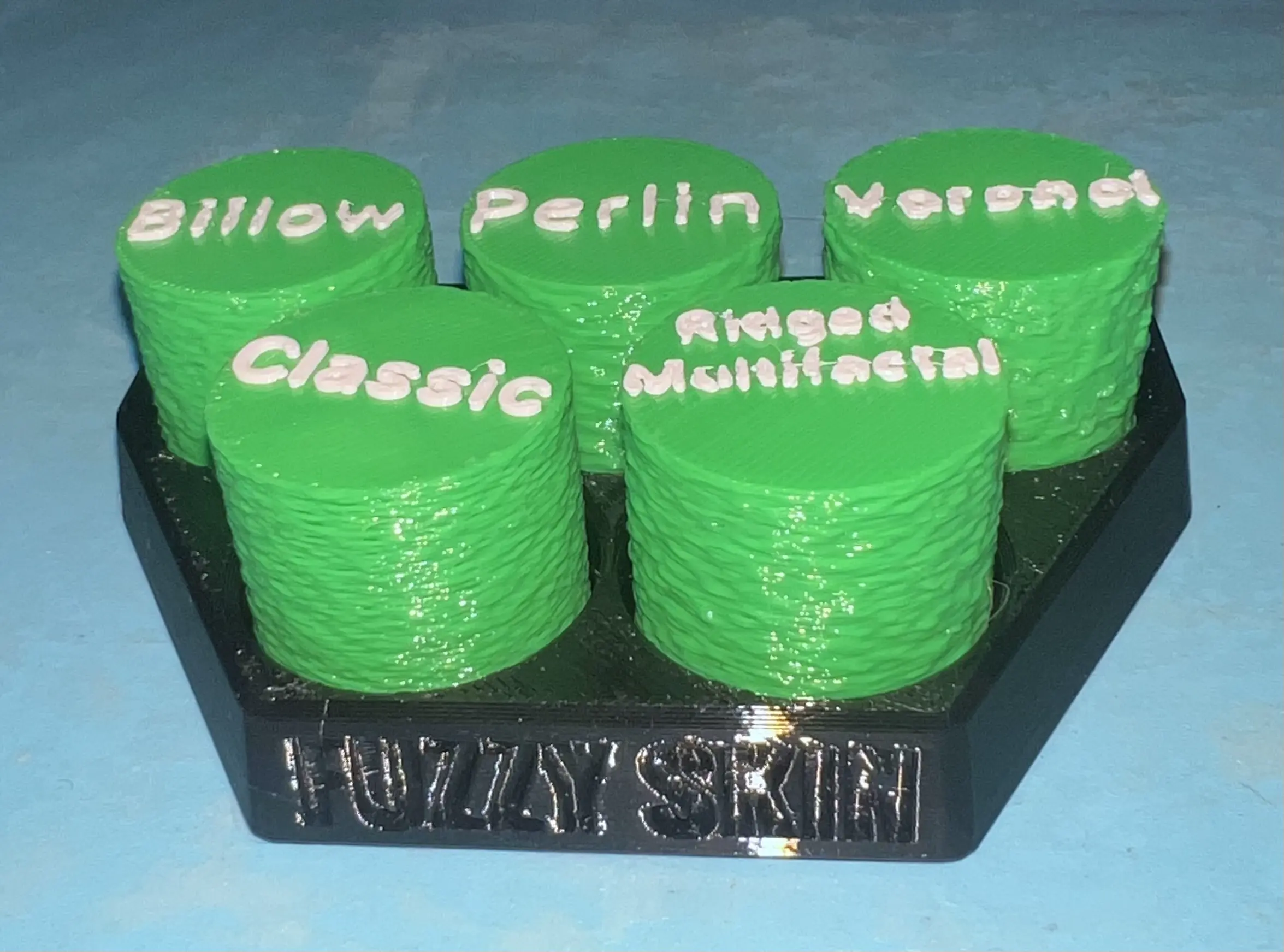
Model Overview & Print Notes
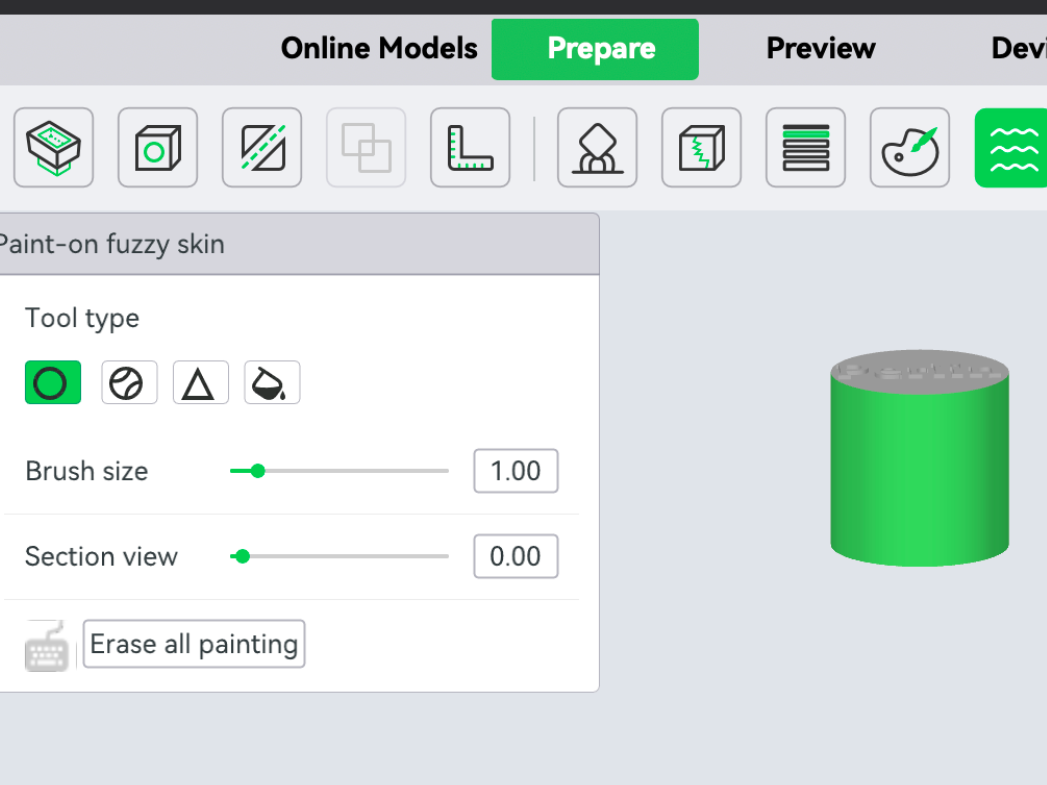
I discovered the "Fuzzy" settings after printing for about 18 months on three printers (Ender 3 V3 Plus, my oldest for 18 months, K2 Pro for 10 months, and a Sparkx i7 for 5 months) AND I JUST DISCOVERED AND USE IT!
-- They can definitely change the look of your prints!!! especially if you are printing any "animals"...!
I used OnShape to create 5 towers (diameter 25mm) and added the name of the fuzzy skin settings so I could use them to decide which one would fit my print best!
-- Then I created a tray to put them away...
You do not have to print the lettering... they are a tad tight and I used CA glue to put them in, but it looks good even w/out it !
You can add the fuzzy skin to ANYTHING you print!! Fuzzy little animals, figurines (or part of a figurine), toys, name it, you can use it
11



💬CrealityCloud Community Comments(...)
★CrealityCloud Original Reviews