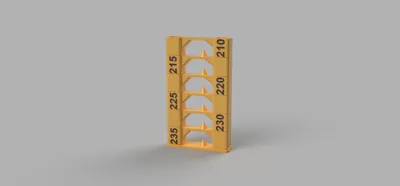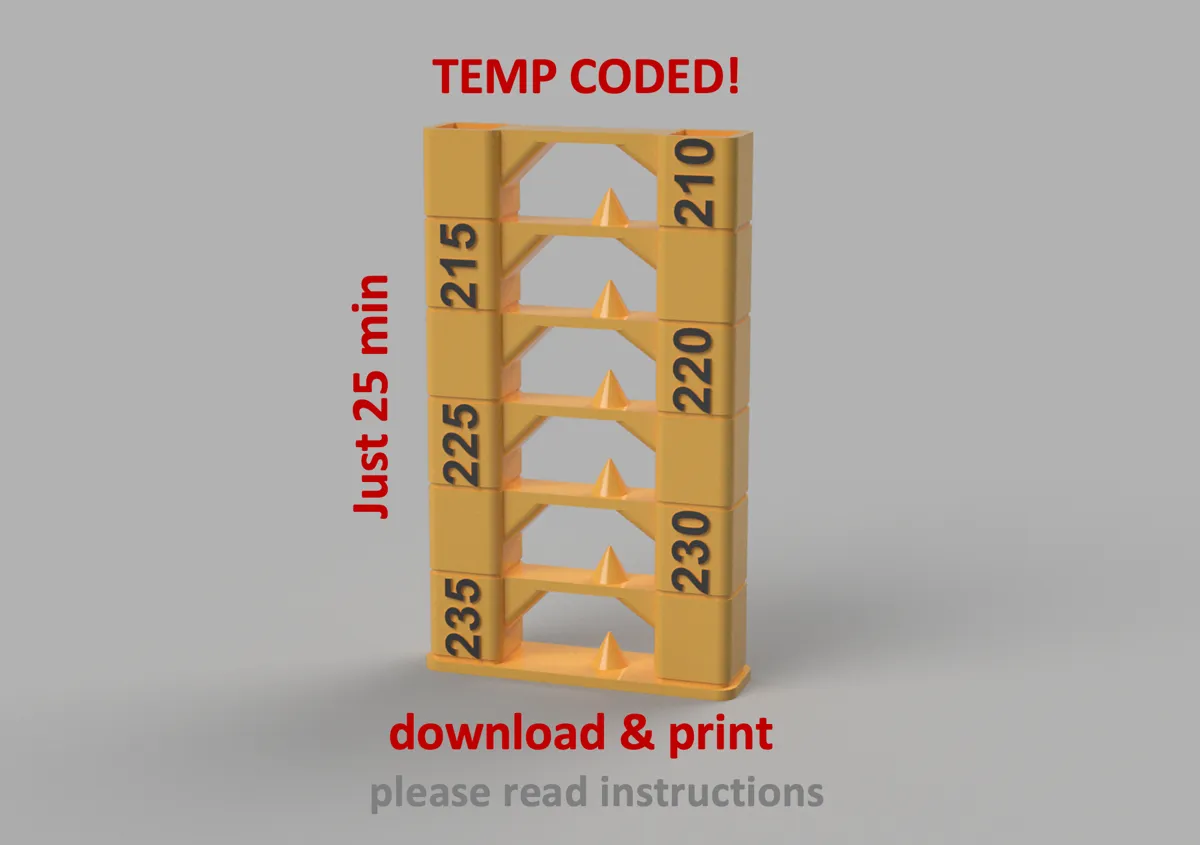
Model Overview & Print Notes

  • Please download “Download STL/CAD Files” where you can find temp coded 3MF file.

Step 1:
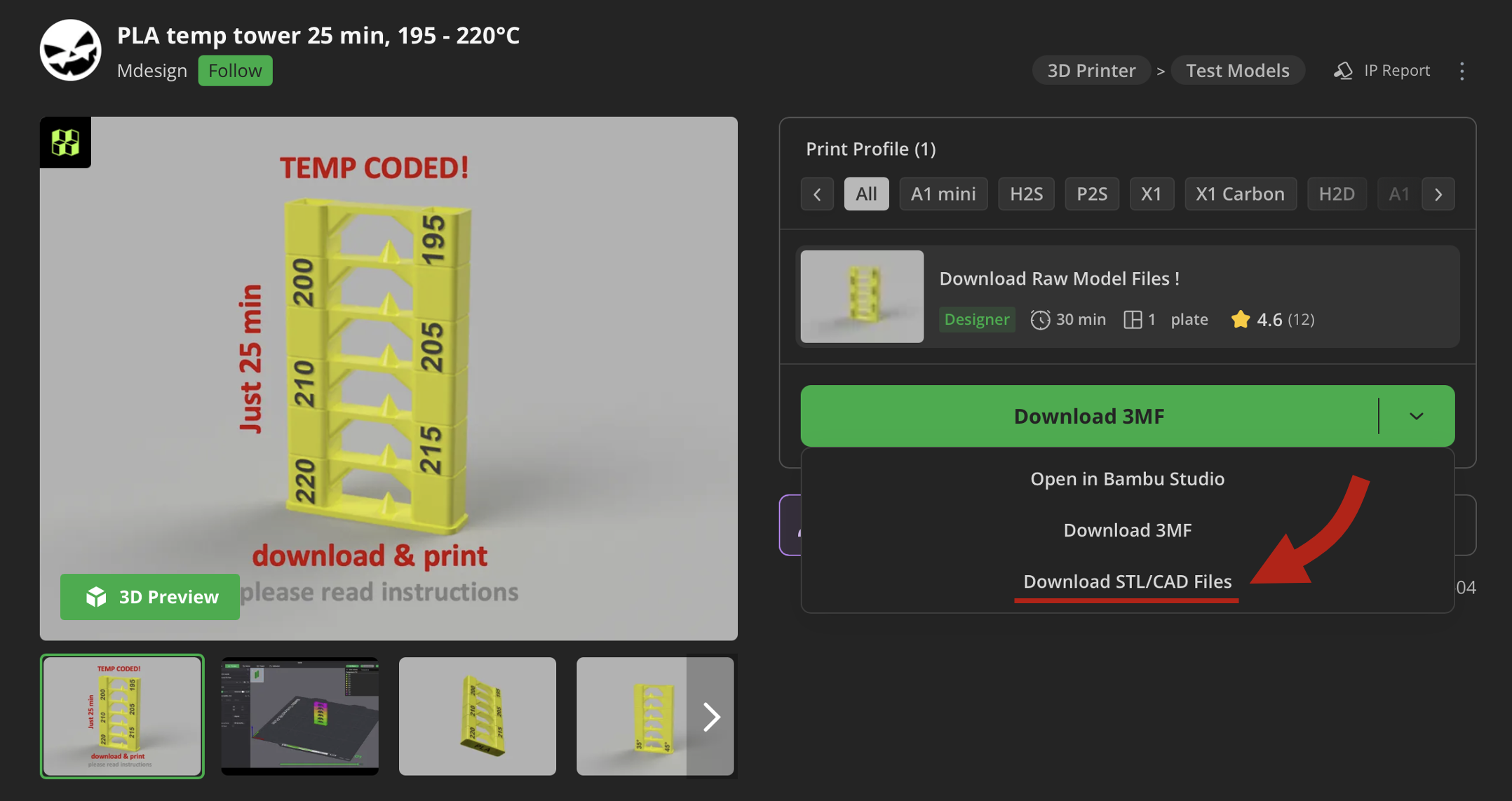
Step 2: 
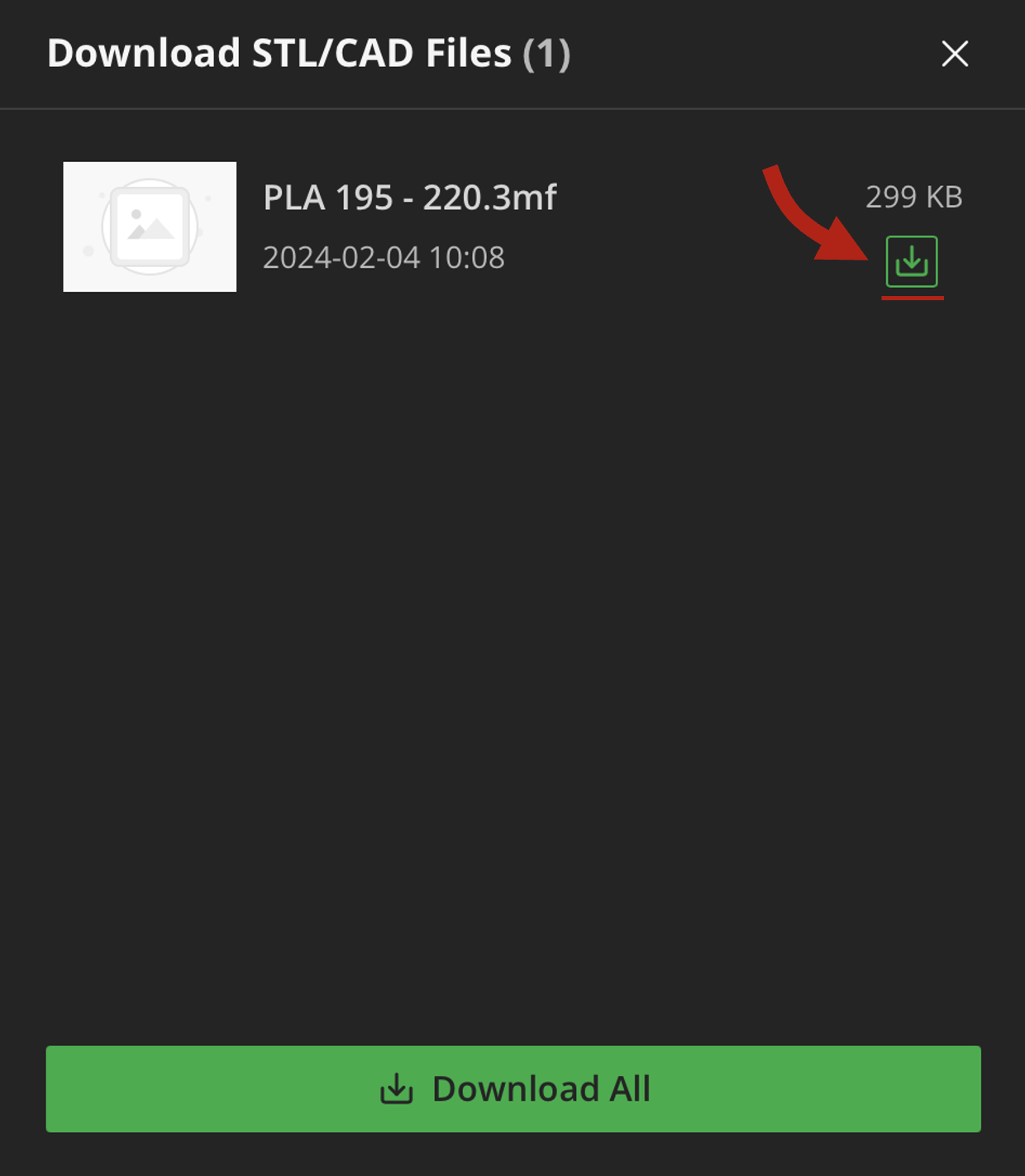
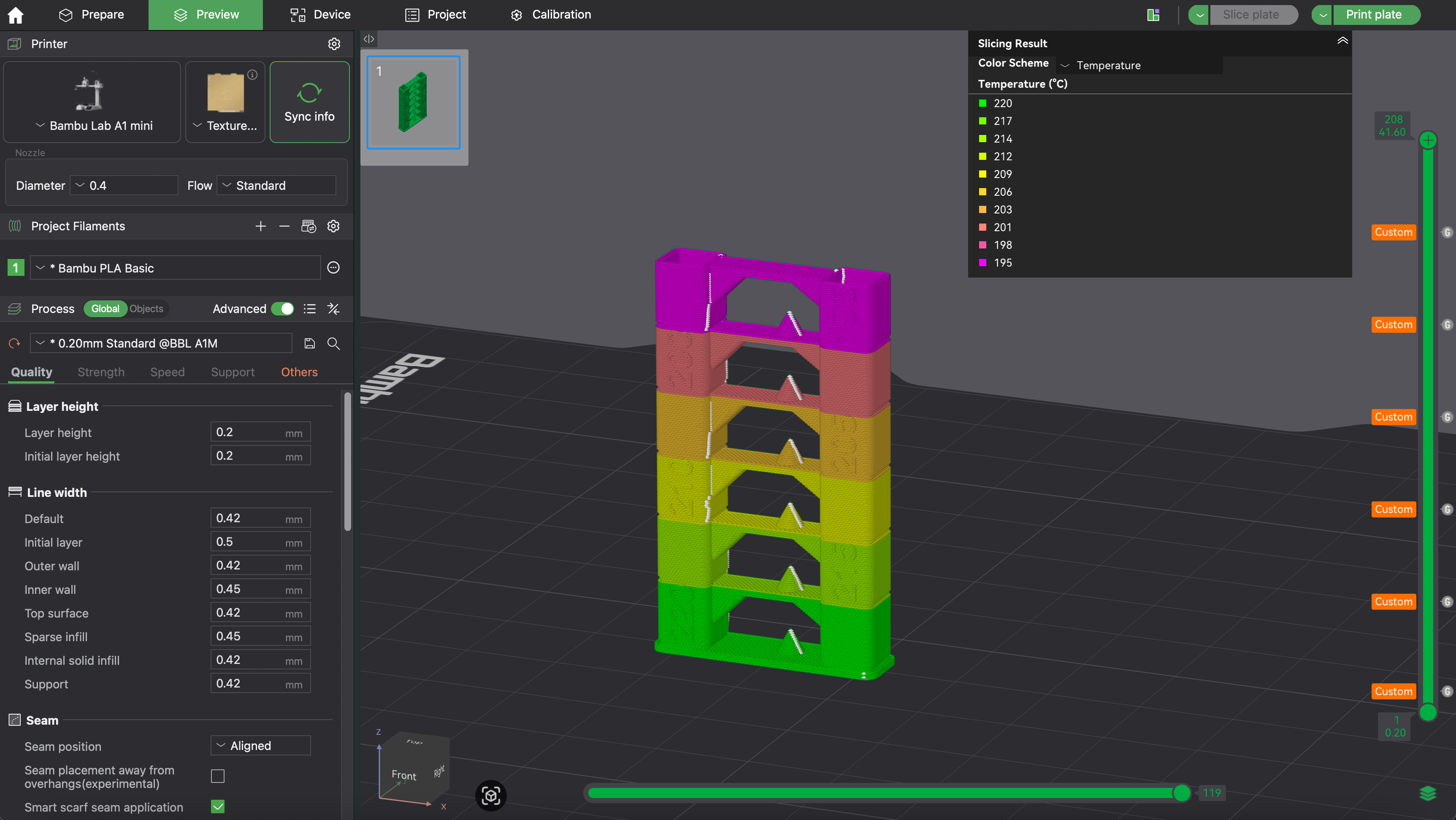
Step 3: Open this .3mf file as project into Bambulab Studio.

Step 4: Verify temp change after slice the model and switch “Colour scheme” to “Temperature”.
 

Boost Me✨ Thanks for boosting! Your support helps me create and share more free models for the community.


Enjoy temp tower ! ☺️🤌

💬MakerWorld Community Comments(84)

★MakerWorld Original Reviews
🔄 Loading comments from MakerWorld...
MakerWorldMakerWorld✓ Verified Model

PLA silk temp tower 25 min, 210 - 235°C

View Source ↗
⬇ Downloads3.5K
♥ Likes194
👁 Views—
⚙ Print ReadyPrint Ready
MakerWorldOpen on MakerWorld↗

Download, slice and print this model in the MakerSpell app — available on Android and Windows. Get the app

Download Raw Model Files !
⏱ 0h 32m· 🖨️ 1 Plate· ⚖ 3g
ℹ️ Details

License & Copyright Terms

⚖️Standard Digital File License
🔒Personal Use Only (Commercial Sales Prohibited)
✂️Remix & Sharing: Subject to Platform Terms
🏷️Source: MakerWorld Original Publication