
Model Overview & Print Notes
Christmas Ornaments – 3 Customizable Designs
The idea behind the design
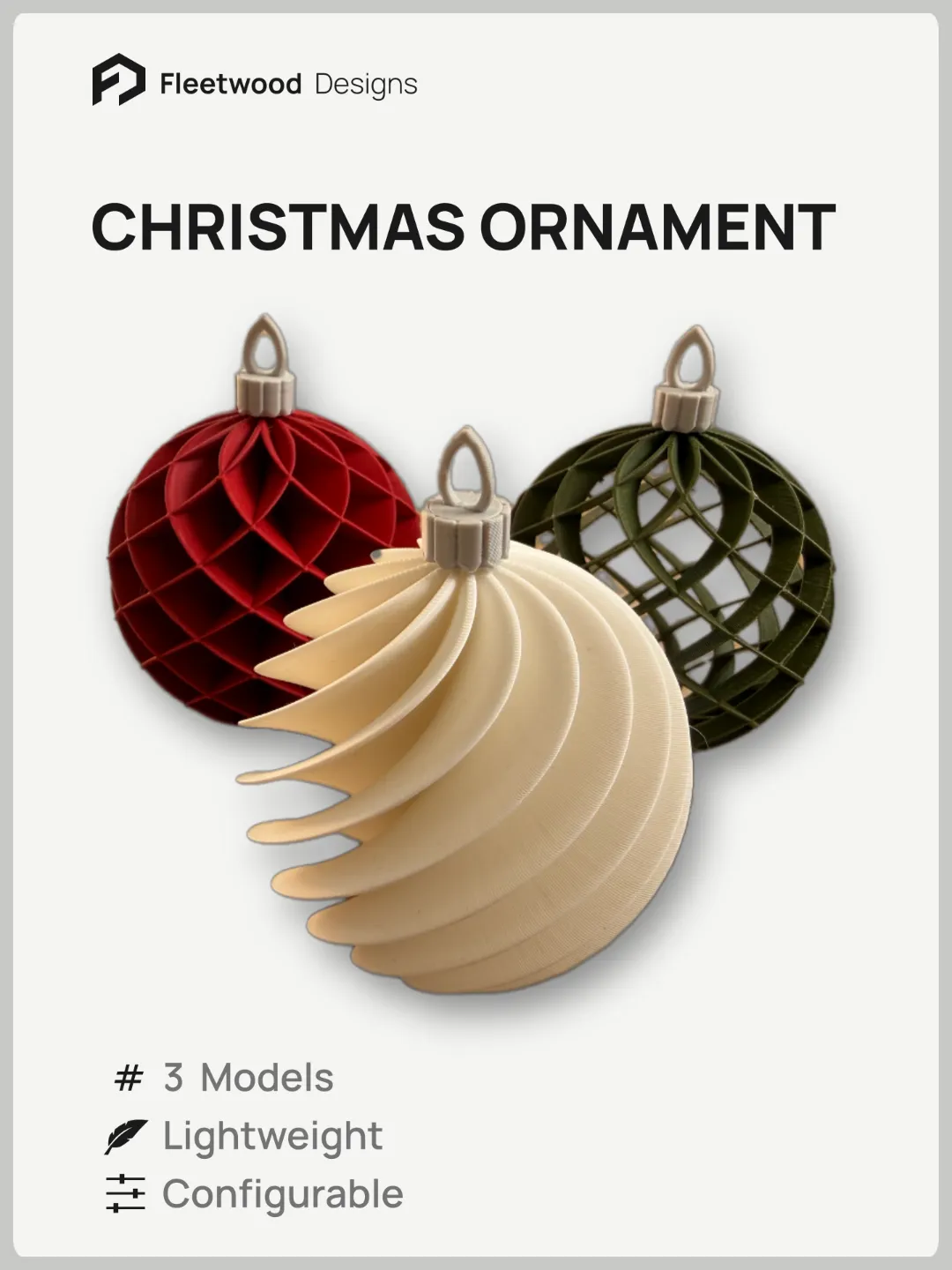
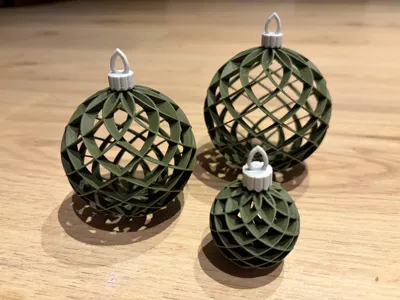
These Christmas ornaments use twisted ribs to create a lightweight, flowing shape that changes depending on the viewing angle.
The collection includes three different designs: a Single Wave, Double Wave and Double Wave Hollow. Each design is available in several ready-to-print sizes, or can be customized using MakerWorld's Parametric Model Maker.
All three designs have been updated to V2, with geometry and print settings optimized for more reliable and consistent printing.
Three different designs
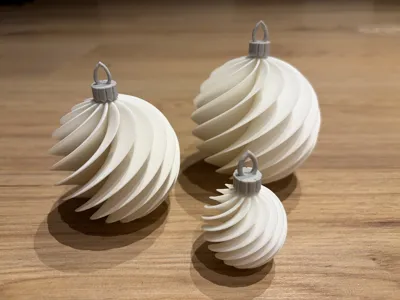
Single Wave
The simplest of the three designs, built from 14 ribs twisting around the ornament in the same direction. The open structure creates the characteristic wave pattern while keeping the ornament lightweight.
Double Wave
Two opposite wave patterns cross each other to create a denser and more complex structure. The model uses 10 ribs in each direction, creating 20 intersecting ribs in total.
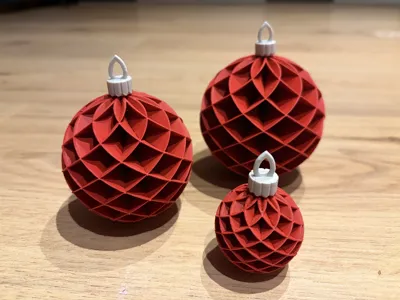
Double Wave Hollow
A variation of the Double Wave with a more open, hollow structure. It uses the same 10 + 10 opposing rib layout, but unlike the other two designs, it is printed using normal wall settings rather than Spiral Vase mode.
Ready-to-print sizes
Each of the three designs comes with ready-to-print profiles in five diameters:
40 · 50 · 60 · 70 · 80 mm
These profiles use the V2 geometry and print settings I have tested and optimized. If you simply want to print an ornament, I recommend starting with one of these profiles.
The 70 mm version is my personal preference for a standard Christmas tree ornament.
Customize your ornament
Want to create your own variation? Parametric versions are available through MakerWorld's Parametric Model Maker. Click ‘Customize’ on this page to open it and select the model you like to customize

You can customize three main design parameters:
- Diameter – changes the overall size of the ornament (in mm)
- Number of ribs – changes the density of the wave pattern
- Twist angle – determines how far each rib rotates around the ornament from bottom to top
The standard V2 designs use a 180° twist angle. For the Single Wave I use 14 ribs, while the Double Wave and Double Wave Hollow use 10 ribs in each direction.
These settings are a good starting point if you want to create your own variation.
⚠️ Custom configurations may require experimentation
The ready-to-print profiles have been tested and optimized, but changing the diameter, rib count or twist angle changes the geometry of the model and therefore also its printability.
In particular, increasing the twist angle can create steeper rib geometry and sections that approach horizontal printing. A configuration that can be generated successfully is therefore not necessarily one that will print successfully.
I recommend starting with the settings used for the tested profiles and making changes gradually.
Why Spiral Vase mode?
The Single Wave and Double Wave ornaments are designed to be printed in Spiral Vase mode.
In Spiral Vase mode, the outer wall is printed as one continuous path. This makes the ornaments lightweight, reduces filament use and print time, and avoids a conventional vertical seam.
The ribbed geometry provides structural strength despite the thin wall, making the finished ornaments surprisingly sturdy for their weight.
Because Spiral Vase mode requires an open top, the cap is printed separately. This also makes it easy to print the cap in a contrasting color.
Note: The Double Wave Hollow cannot be printed in Spiral Vase mode and uses a standard print profile instead.
Cap
The cap is printed separately from the ornament and is designed to press into place.
The fit is intentionally snug, so glue should normally not be necessary. If you want to secure it permanently, a small drop of glue can be added.
Printing the cap separately also allows you to easily combine different colors for the ornament and cap.
Recommended print settings
The ready-to-print profiles already contain the settings I use, so you can simply select the size and design you want and start printing.
If you generate your own version using the Parametric Model Maker, I recommend using the tested V2 profiles as a reference.
Single Wave & Double Wave
These two designs are optimized for Spiral Vase mode:
- 0.20 mm layer height
- 0.7 mm outer wall line width
- 100 mm/s outer wall speed
- 3000 mm/s² outer wall acceleration
- Spiral Vase mode enabled
- 1 wall loop
- 0 top shell layers
- 0% sparse infill
These settings have been tested with the V2 geometry and provide a good balance between print quality, strength and print time.
Double Wave Hollow
The Double Wave Hollow is not a Spiral Vase model and should be printed using the standard 0.20 mm profile.
For the 50, 60, 70 and 80 mm ready-to-print profiles, support has been added around the lower 25% of the ornament.
This support is not primarily needed for the overhangs. The larger Hollow models have a relatively small contact area with the build plate compared with their height and can become unstable during printing. The additional support helps stabilize the lower part of the ornament and reduces the chance of the print coming loose or tipping over.
The 40 mm profile does not require this additional support.
If you create your own Double Wave Hollow configuration, keep print stability in mind, especially when increasing the diameter or changing the rib geometry.
Materials
I have tested the V2 designs in both PLA and PLA Matte with a standard 0.4 mm nozzle.
The ready-to-print profiles and V2 geometry are based on these tests. Other materials may also work, but have not been validated by me.
More Fleetwood Designs
Looking for more Christmas designs? I have also created matching designs based on the same flowing geometry:
If you create your own size or wave pattern using the parametric models, I would love to see the result! Feedback and suggestions are always welcome.





💬MakerWorld Community Comments(1147)
★MakerWorld Original Reviews