
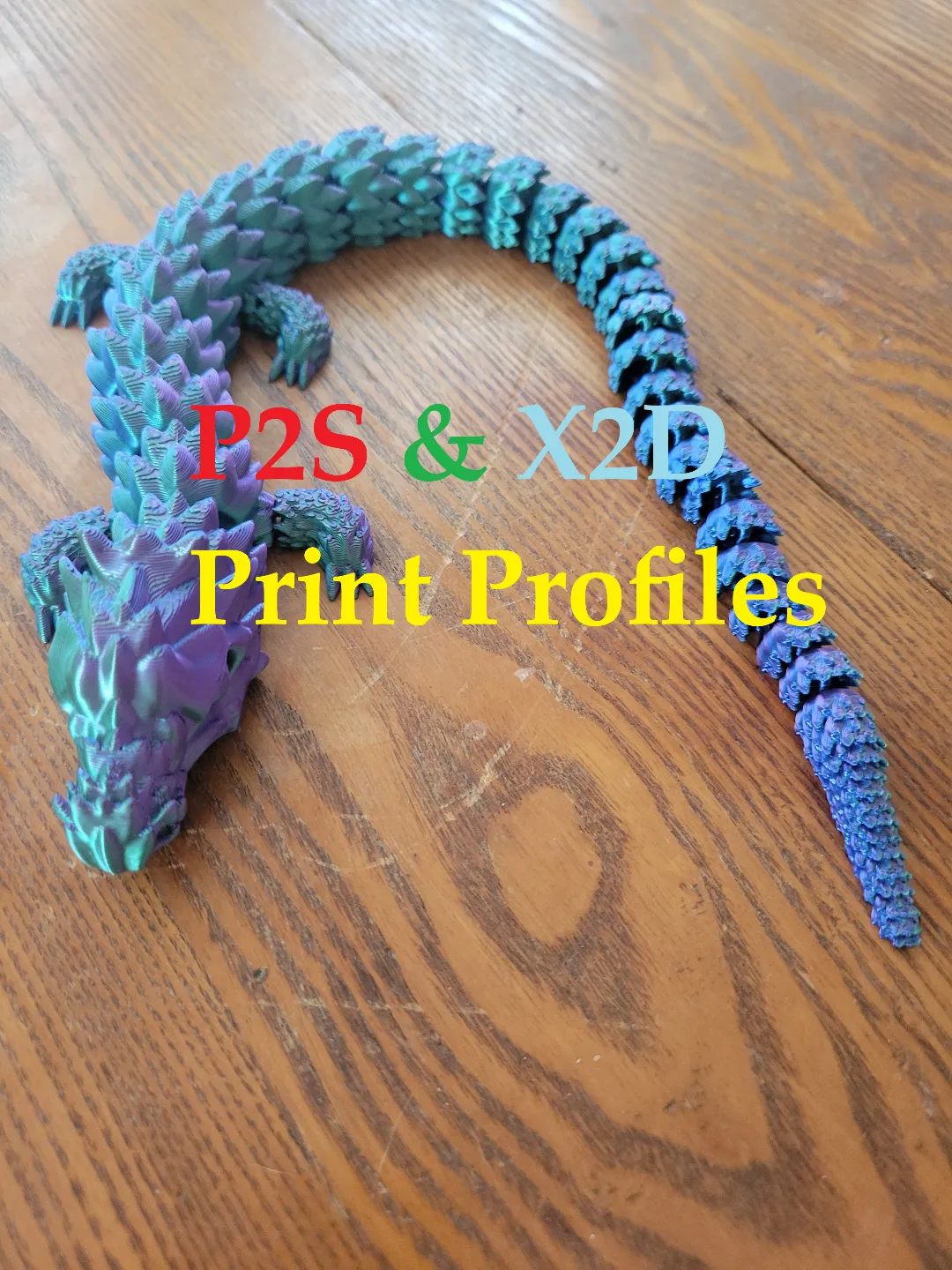
Model Overview & Print Notes
Complete Package: Optimized Filament Profiles + Test Model for Bambu Lab P2S & X2D
This package includes a fully reorganized and optimized set of filament profiles specifically built for:
- Bambu Lab P2S
- Bambu Lab X2D
(with fully standardized 0.4 nozzle profiles and additional nozzle sizes where available)
Alongside the profiles, a test model is included to help you validate print quality and ensure your setup is dialed in.
Ready-to-Use Filament Profiles
This is a cleaned, standardized, and expanded profile pack designed to remove guesswork and get consistent results fast.
The goal is simple:
👉 Reliable prints, minimal tuning, consistent results across brands
Test Model Included
A custom calibration model is included to help you:
- Verify dimensional accuracy
- Quickly validate each filament profile
- Identify issues before long prints
- Compare performance across different filament brands
What Makes This Pack Different
- ✔ Profiles are fully separated per printer (no generic configs)
- ✔ Covers both P2S and X2D
- ✔ Folder structure is organized by brand → printer (P2S / X2D)
- ✔ Filenames are clear, readable, and include nozzle size
- ✔ Only valid Bambu Studio-compatible JSON files are included
What’s Included
- Complete set of calibrated filament profiles across multiple brands
- Materials include:
- PLA / PLA+
- PETG
- ABS / ASA
- TPU
- Profiles for P2S and X2D with standardized 0.4 nozzle support
- Additional nozzle sizes (e.g., 0.6, 0.8) included on Some profiles
- Test model for validation and comparison
Supported Brands
3DJake - 3dTrek - Aliz - Atomic - Coex - ELEGOO - Eryone - eSUN - FIBERLOGY - FormFutura - fusRock - GEEtech - Hatchbox - IEMAI - Kingroon - Ninjaflex - Numakers - Olympfilia - Overture - Prusament - Reprapper - Siddament - SUNLU
Compatibility
- Bambu Lab printers (P2S & X2D focused)
- Bambu Studio
How to Use
Step 1: Open Bambu Studio
Step 2: Click File → Import → Import Configs
Step 3: Select the profiles for the brand(s) you want
Step 4: Find them under User Presets → Custom
Then just select your filament profile and print.
Credits
- Original base profile work by 3Dmanufactory.italy
- expanded for P2S/X2D

💬MakerWorld Community Comments(25)
★MakerWorld Original Reviews