
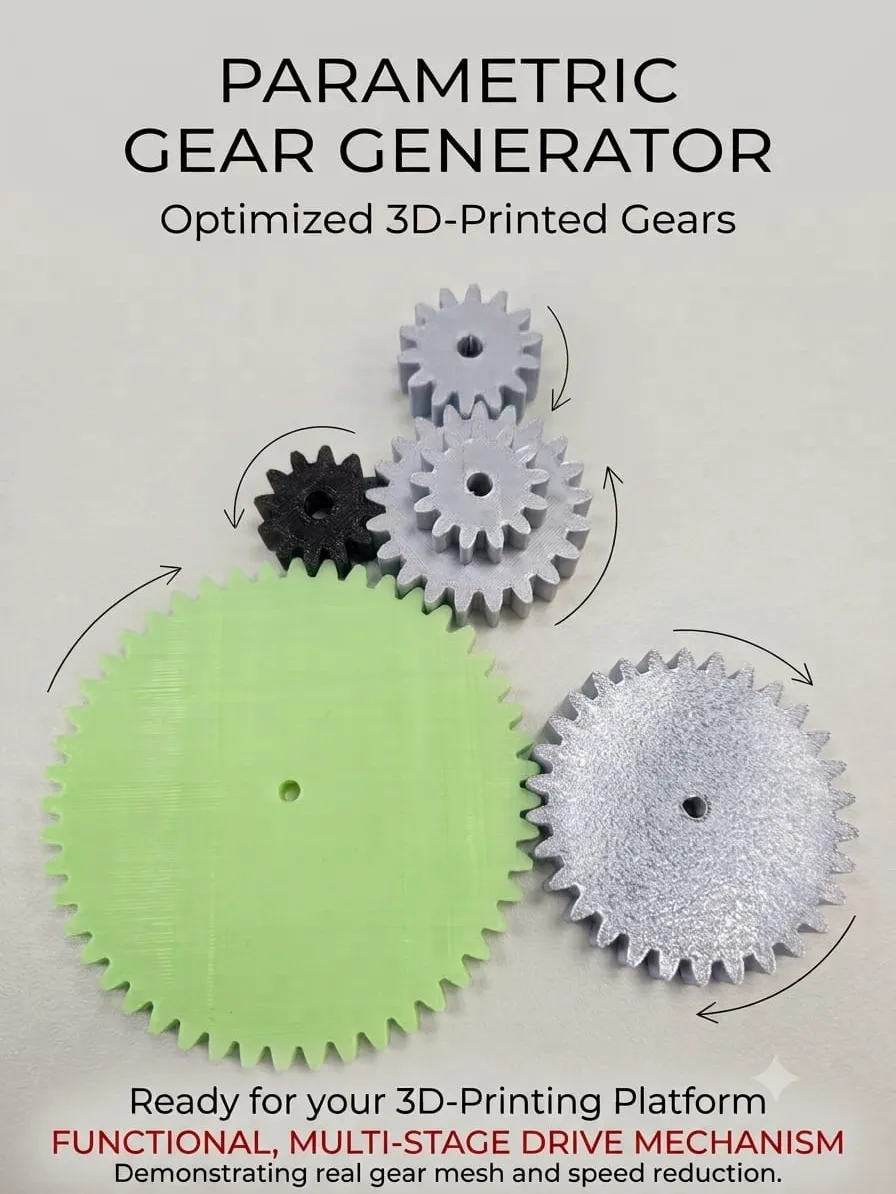
Model Overview & Print Notes
# ⚙️ Ultimate Parametric Gear Generator (Involute & Double/Step Gears)
This is a highly precise, fully parametric **Spur Gear and Double/Step Gear Generator** designed specifically for 3D printing and mechanical engineering.
Using the **MakerWorld Customizer**, you can create custom gears directly in your browser without any CAD knowledge! It uses true mathematical **involute tooth geometry**, ensuring smooth rotation, low friction, and maximum durability for your custom gearboxes, robotics, or RC projects.
---
### 🚀 Key Features
* **True Involute Teeth:** Mathematically correct tooth profiles that roll smoothly without jamming.
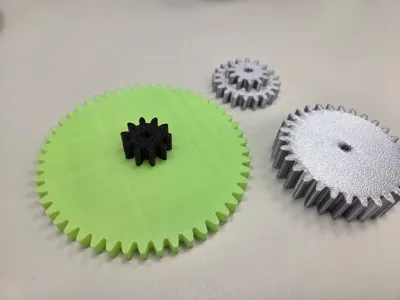
* **Double / Step Gear Option:** Easily stack two custom gears on a single shaft. Perfect for compound gear trains and high-reduction gearboxes!
* **D-Cut / D-Shaft Support:** Toggle a flat side (D-cut) inside the bore to perfectly fit NEMA stepper motors or RC motors.
* **Fully Parametric:** Adjust Module (size), Tooth Count, Gear Thickness, and Shaft Diameter with simple sliders.
* **No External Libraries:** 100% standalone OpenSCAD script, perfectly compatible with the MakerWorld cloud compiler.
---
### 🔧 How to Customize Your Gear
1. Click on the **Open in Customizer** button on MakerWorld.
2. **Gear 1 (Base):** Set your desired tooth count, thickness, and Module (defines tooth size, standard is 2.0).
3. **Gear 2 (Step Gear):** Check `z2_aktiv` to add a secondary gear on top, or uncheck it for a standard single gear.
4. **Bore & Axis:** Set your shaft diameter. If you use a D-shaft motor, check `d_cut_aktiv` and define the flat width.
5. Click **Generate** and download your 3D-printable `.STL` file!
---
### 🖨️ Recommended Print Settings
* **Material:** PETG, ABS, ASA, or Nylon for functional parts. PLA is fine for prototyping or low-load toys.
* **Wall Loops:** 4 to 6 walls (perimeters) for maximum tooth strength.
* **Infill:** 40% - 100% (Gyroid recommended).
* **Top/Bottom Layers:** 5 layers.
* **Cooling:** Keep it balanced to ensure great layer adhesion on the teeth.






💬MakerWorld Community Comments(5)
★MakerWorld Original Reviews