
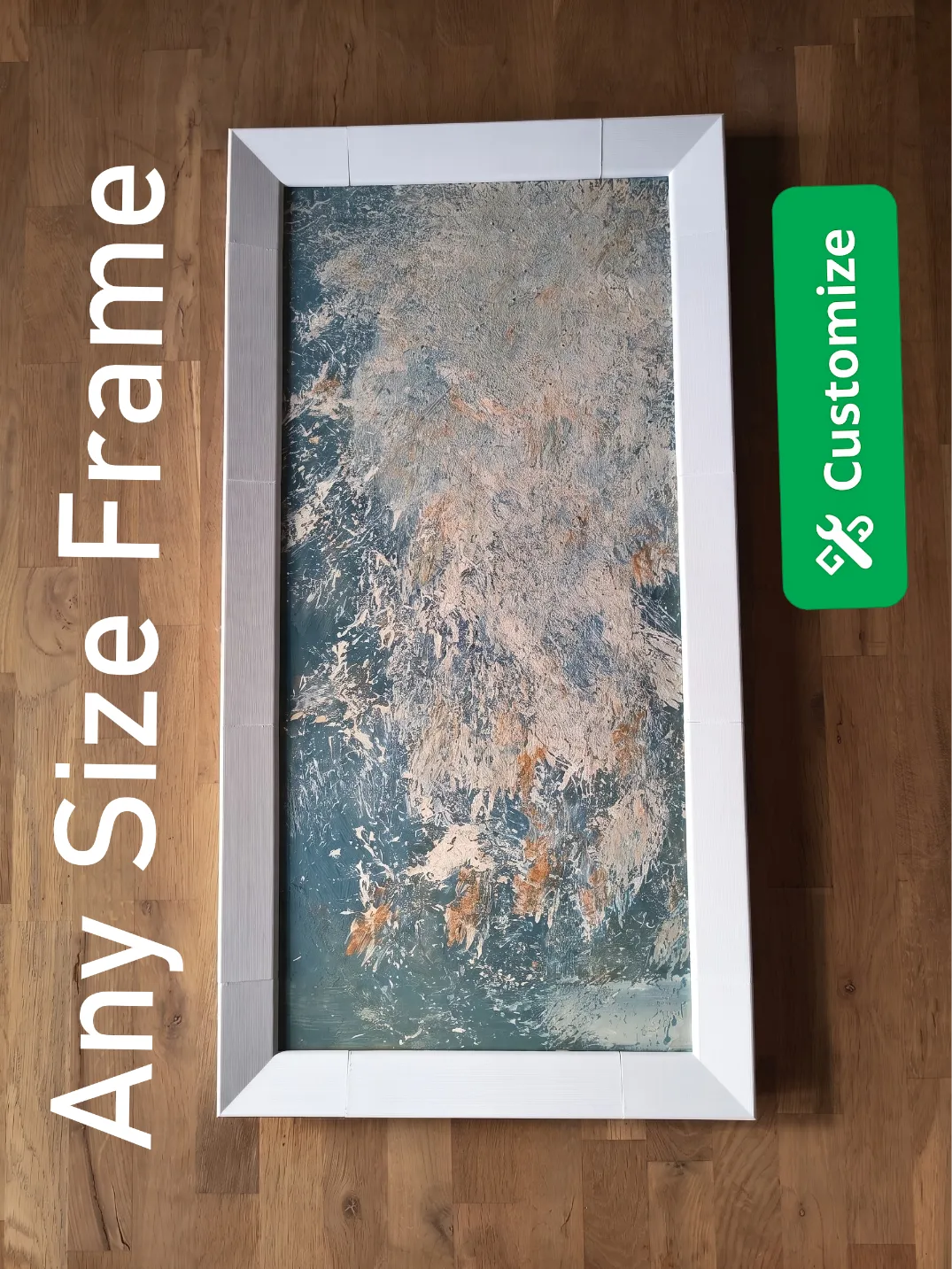
Model Overview & Print Notes
A modular picture frame system that fits any canvas size. Print the corners and connectors once, then generate custom rail segments to match your artwork dimensions. Canvas clips lock the artwork in place from the back without glue. A small drop of CA glue on the connector pins is recommended for a permanent frame joint.
Works with canvas depth of 10mm or more.
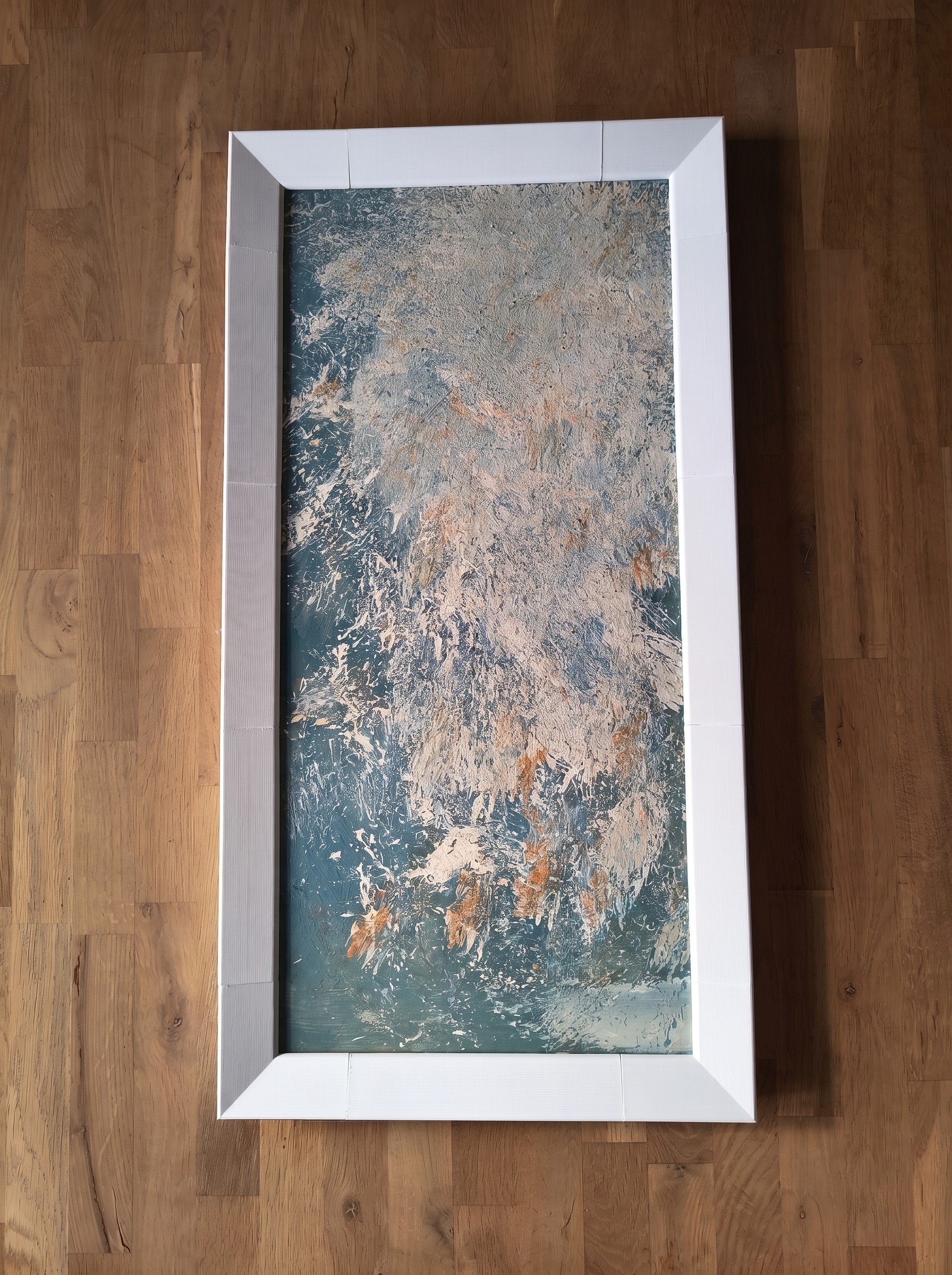
Four plate types included in default print profile
- Corners are fixed parts that connect the frame at 90 degrees. Each corner takes up 65mm on each side it connects to. Print 4 for any frame.
- Connectors are the printed pins that join rails to corners. Print one connector per part, corners and rails combined. For example, 4 corners and 6 rails need 10 connectors total.
- Canvas clips are retaining pins that hold the artwork securely in the frame recess from the back. Each corner has 2 clip holes and each rail has 1. Print one clip per hole for maximum hold. Note: one hole on the top rail is reserved for wall hanging.
Frame rails are the straight segments generated to your dimensions. Two generators are included
- Frame Side Generator: enter your canvas side length and it automatically accounts for the space the corners take, then splits the rest into equal rail segments. Use this to build a full frame.
- Single Frame Rail Generator: outputs a rail at exactly the length you enter, with no corner adjustment. Use this for replacement parts or custom segments when you already know the exact length.
How to use Frame Side Generator
You enter your canvas side length. The generator subtracts the space the two corners take, 130mm total or 65mm per corner, and divides the rest into equal rail segments, so you do not need to calculate anything yourself. Steps:
- Enter your canvas side length in mm. Minimum 170mm.
- Enter the number of rail segments for that side. Aim for at least 40mm per segment, otherwise the connector pins won't fit.
- The generator calculates the segment length: (canvas length - 130) / number of segments.
- Click a generated part in the preview to confirm its exact length before printing.
- Repeat for the other side if your frame is not square.
Frame Side Generator Example: 200x200mm photo frame
- Enter canvas side length: 200 mm
- Enter number of segments: 1
- Generator calculates: (200 - 130) / 1 = 70 mm
- Print this 70 mm rail 4 times (one per side for a square frame)
- Print 4 corners and 8 connectors (4 corners + 4 rails = 8 parts total)
When to use more segments: if your canvas side is longer than your print bed allows. For example, a 1000x1000 mm frame gives (1000 - 130) / 4 = 217.5 mm segments, four per side, joined with connectors. For a 200 mm frame, 1 segment per side is all you need.
How to use Single Frame Rail Generator
Enter the exact rail length you need. Minimum 40mm. The length you enter is exactly what you get, with no corner space subtracted. Use this for replacement parts or when you already know the dimensions.
Single Frame Rail Generator Example: 200x200mm photo frame
If you already know the rail length, enter it directly. For a 200x200 mm canvas, each rail is 70 mm (200 minus 2 x corners at 65 mm each). Enter 70 mm and you get exactly that. Print 4 rails, 4 corners, and 8 connectors.
This generator is useful when you need a replacement rail or want to cut a specific length without the automatic calculation.
Material notes
PLA works well for most sizes. For larger frames (above approximately 400mm per side) consider PETG or a stronger material for better rigidity.
Assembly
Apply a small drop of CA glue to each connector pin before pressing into the corner sockets and rail ends. Slide the rails and corners together and let the glue set. Place your canvas in the recess and insert the canvas clips to lock it in place.
If you print it, please leave a rating - it helps a lot.






💬MakerWorld Community Comments(49)
★MakerWorld Original Reviews