
Model Overview & Print Notes
If you like this design, please support it with a "Boost"! Your support helps me cover the cost of filaments and encourages me to create more "useful and fun" designs.
Show off your creations
I would love to see your prints! Please share your photos in the "Makes" section. Happy printing!🚀
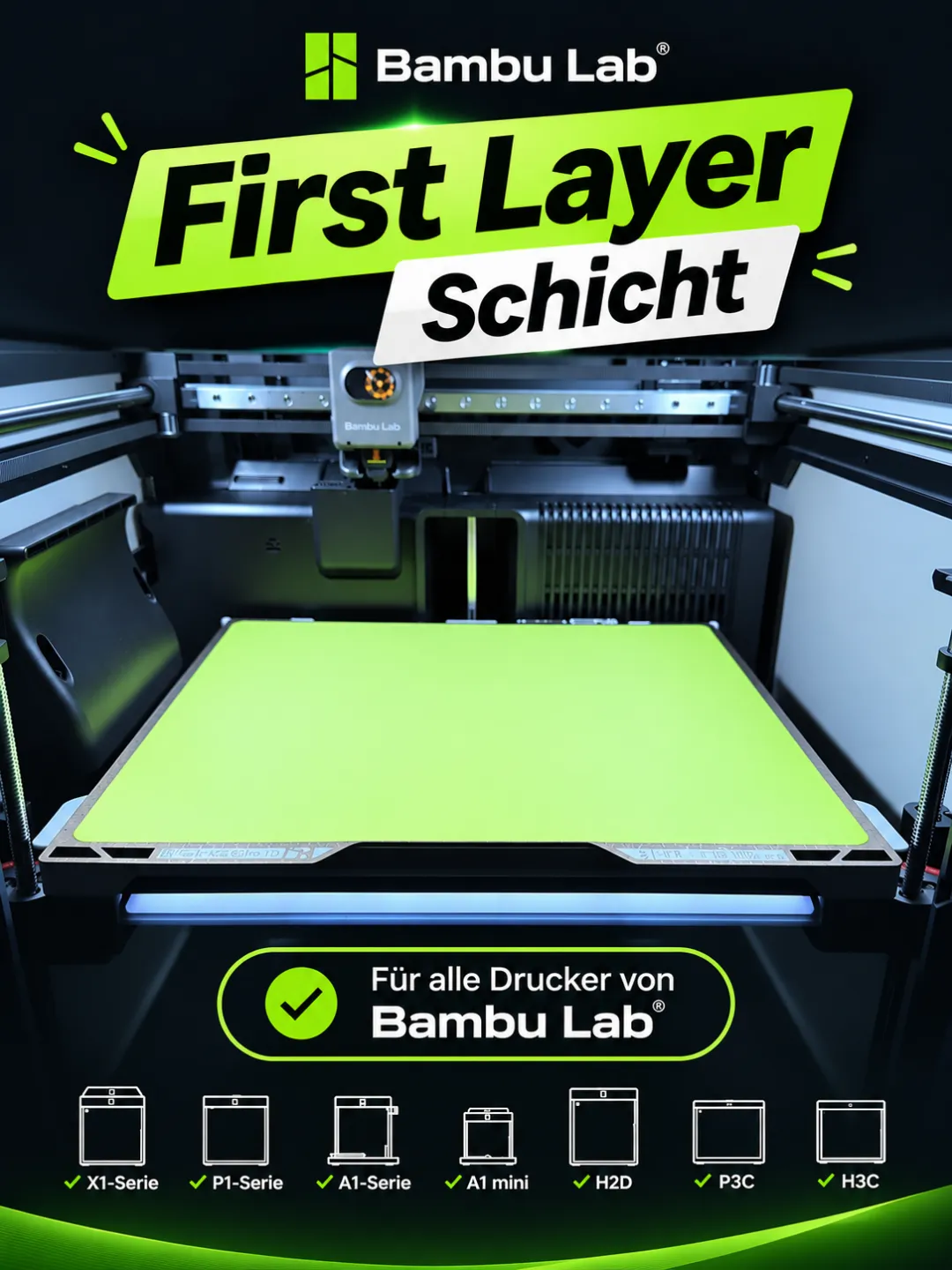
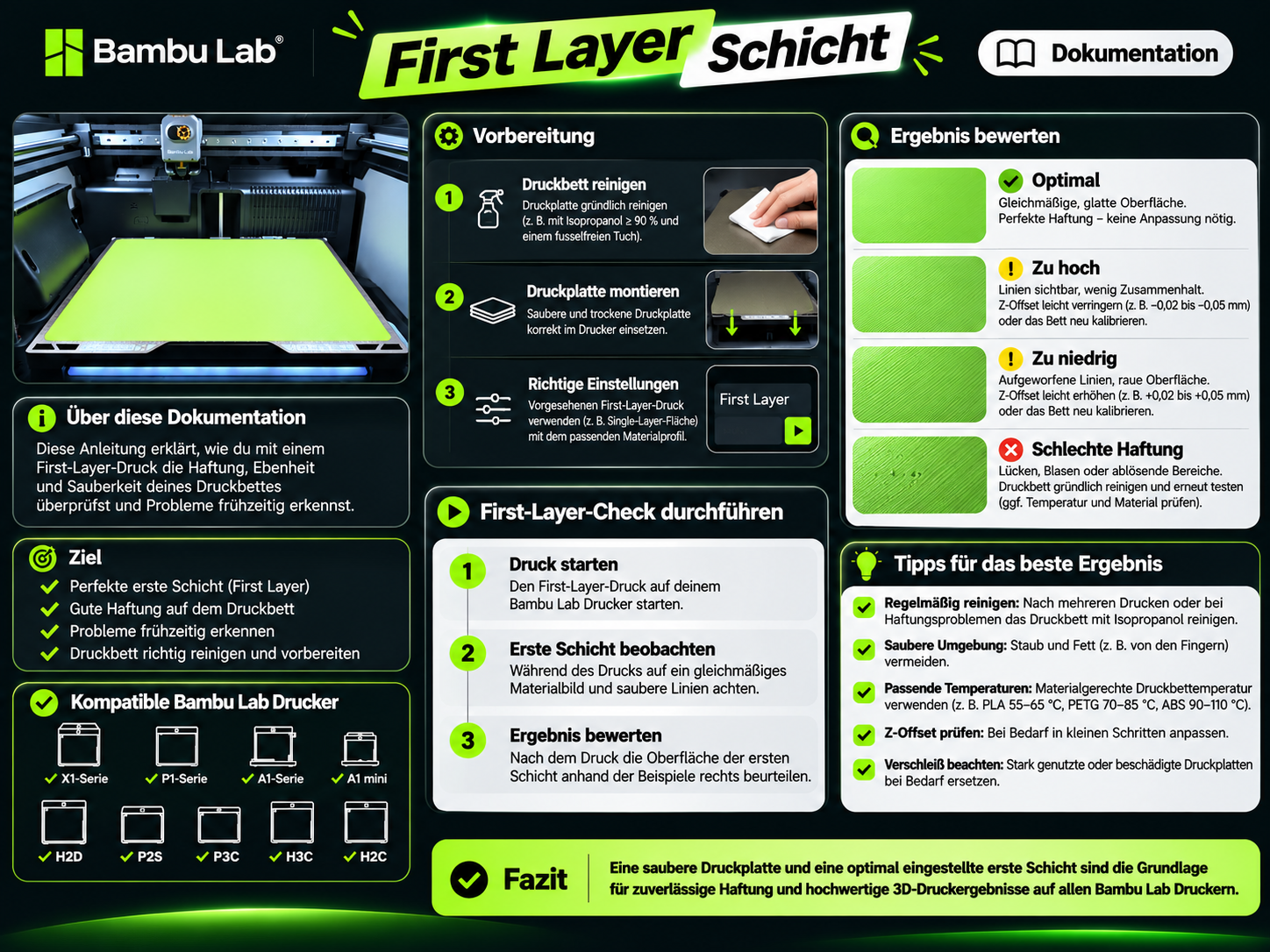
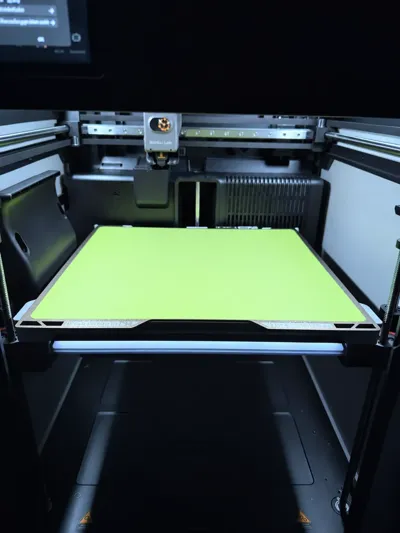
🟢 First Layer – The perfect first layer!
A clean build plate is the foundation for a successful 3D print! 🚀
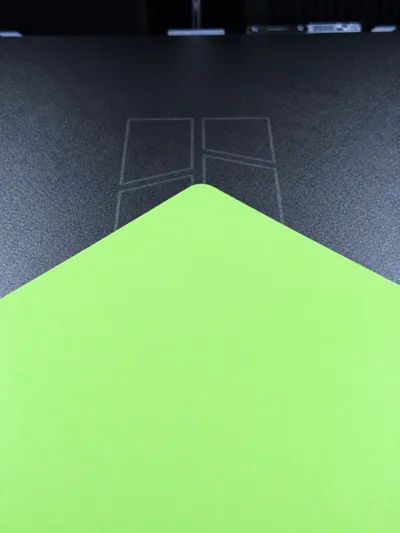
With this first layer check you can verify the adhesion and quality of the first layer while optimally preparing your build plate for the next print.
It is also ideal to assist with cleaning the build plate to detect and remove residue and contaminants.
For best results the default print settings should be kept.
The most effective approach is to use the same filament type that is (stuck to the plate) being cleaned. It should also be noted that cleaning should be done when switching between filament types (PLA, PETG, TPU, etc.). Different filaments have different levels of adhesion to different plate types.
Recommended settings:
* Top surface speed: 100 mm/s
* Infill density: 100%
* Keep all other settings unchanged as much as possible
Simply print, inspect the first layer, then remove the printed layer from the plate afterwards.
Happy printing
Compatible with the following Bambu Lab printers:
✅ X1 series
✅ P1 series
✅ A1 series
✅ A1 mini
✅ H2D
✅ P2S
✅ P3C
✅ H3C
✅ H2C
💚 Clean build plate – perfect first layer – better print results!






💬MakerWorld Community Comments(6)
★MakerWorld Original Reviews