
Model Overview & Print Notes
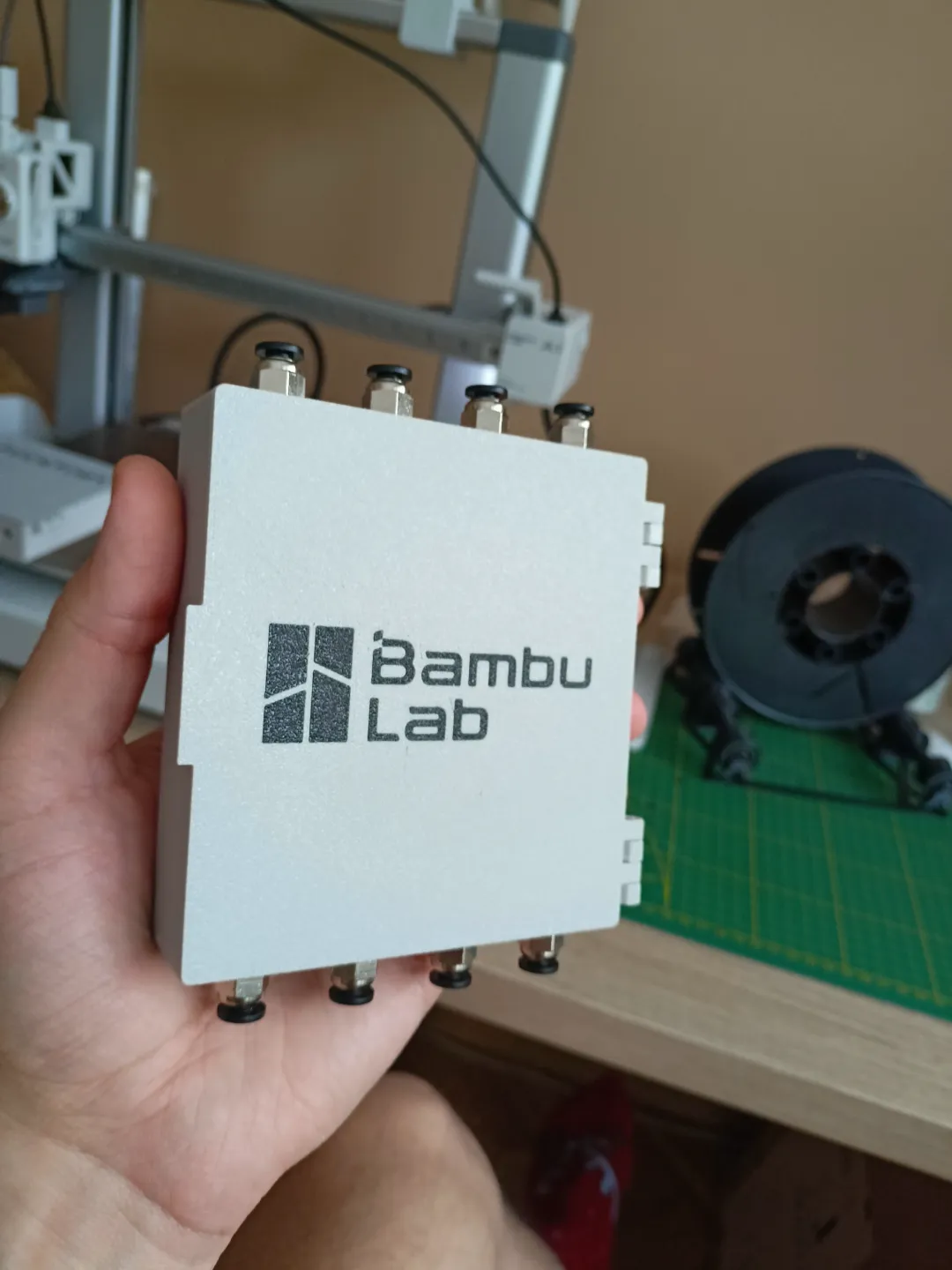
Manual AMS – Fast 4-Spool Filament Switching
Keep up to four filament spools ready to use and switch between them quickly — without buying an AMS and without modifying your printer’s G-code.
This compact Manual AMS keeps your filament paths organized and makes manual color or material changes much faster. Instead of disconnecting tubes, moving spools, or untangling filament before every change, simply unload the current filament, select the next one, load it, and continue printing.
Important update – no custom G-code required
Native manual filament changes using the external spool have been supported since Bambu Studio 2.2.0.
For the Bambu Lab A1 and A1 mini, printer firmware 01.08.00.00 or newer is also required. For the best compatibility, update both Bambu Studio and your printer firmware to the latest available versions.
Enable external-spool filament switching when sending the print. The printer will pause at each filament change and guide you through replacing the filament — the old custom machine G-code is no longer needed.
Why print it?
- Keep up to 4 filaments connected and ready
- Faster and more convenient manual filament changes
- No custom machine G-code required
- Compact design that saves workspace
- Can be mounted in different orientations
- Perfect for wall or cabinet installation
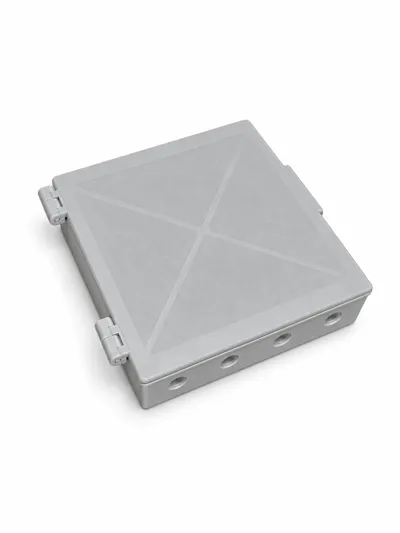
- Magnetic door for quick and easy access
- Clean, organized PTFE tube routing
- Great for multicolor prints without an AMS
How does it work?
Route filament from each spool through its own PTFE path and into the Manual AMS. When the printer requests a filament change, unload the current filament, select the required input, load the new filament, and resume the print.
Please note: this is a manual filament-management system. It organizes and speeds up filament changes but does not automatically load or unload filament like the original AMS.
Additional parts required
- 8× PC4-M6 PTFE/Bowden tube connectors
- 2× 10 × 5 × 1 mm neodymium magnets
- Short pieces of 1.75 mm filament to use as hinge pins
- PTFE tubes in the lengths required for your setup
Installation
The compact enclosure can be installed on a wall, inside a cabinet, or next to your printer. Choose the orientation that provides the smoothest and shortest filament path.
For best results, avoid sharp PTFE bends and make sure every spool can rotate freely.
Optional A1 mounting bracket
Want to mount the Manual AMS directly on your Bambu Lab A1?
Community member FabioPrint3D created a dedicated support bracket specifically for this project:
Download the A1 support bracket on MakerWorld
The bracket requires 4× M4 × 30 mm screws. Many thanks to FabioPrint3D for creating and sharing this useful add-on!
A simple upgrade with a big impact
If you regularly switch colors or materials but do not need a fully automatic AMS, this is an inexpensive and practical way to make the process cleaner, faster, and far less frustrating.
Print it, load your favorite four filaments, and spend less time rearranging spools.
If you find this project useful, please consider leaving a Boost. It costs you nothing and helps me create and share more designs. Thank you!







💬MakerWorld Community Comments(300)
★MakerWorld Original Reviews