
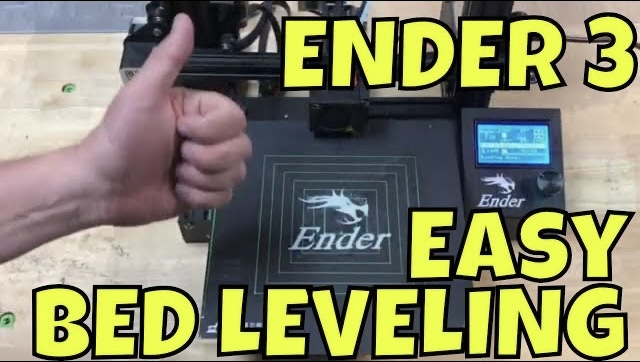
Model Overview & Print Notes
Ver4.0 Filament Friday Manual Bed Level for 220x220 Size Printers This is a slightly updated version of my popular Manual Bed Level GCode files. There are two files required. First run the FF_M0_bed_level.gcode file on your Ender 3 or any similar size printer. Adjust each corner by running a piece of paper until you feel resistance and then click the LCD knob to advance to the next corner. Then run the FF_bed_level_print.gcode file and live adjust or "adjust on the fly" the bed level knobs to get as close to a level bed as possible. The print will continue multiple layers but you can stop the print at any time and then you are ready to 3D print without worrying about bed level. I also include the FF_bed_level_print.stl if you want to slice it yourself. More info in this video: https://youtu.be/_EfWVUJjBdA For Newer Ender 3 and Ender 3 Pro (Ender 3, Ender 3 Pro with 32-Bit V4.2.2 board) Some of these setups don't recognize the M0 command so I've included a FF_M25_bed_level.gcode version for these. It works the same but instead of just clicking the LCD knob you have to go into the print menu and select Resume Print to advance to the next corner.



💬Thangs Community Comments(0)
★Thangs Original Reviews