

Model Overview & Print Notes
Summary
Opposition: A Chess Set with Geared Storage
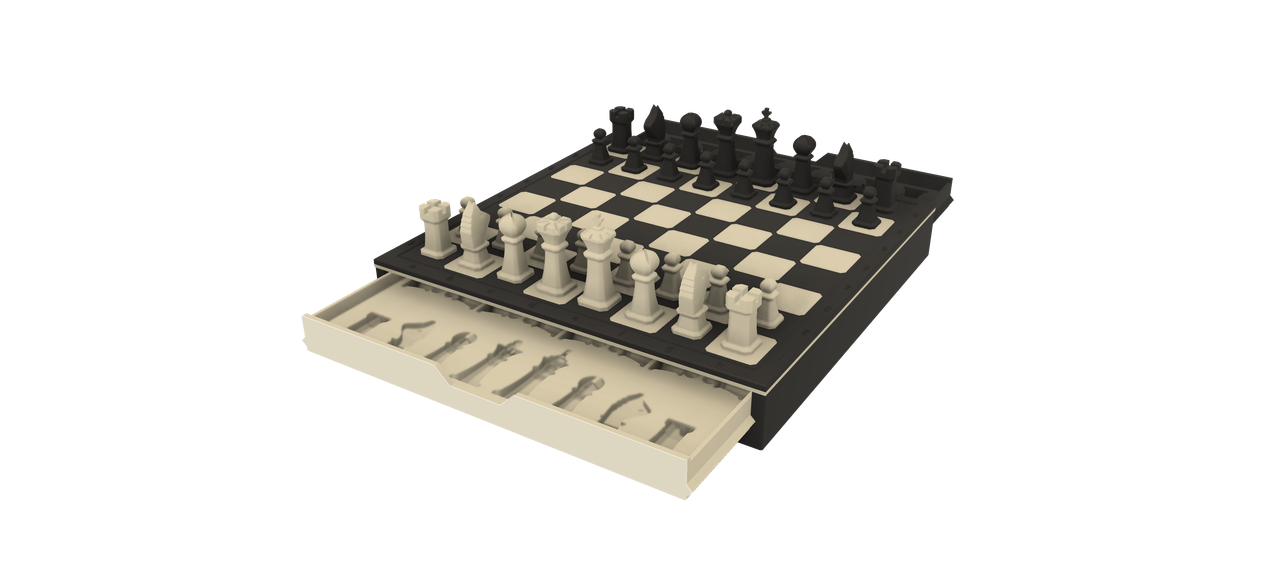
Opposition is a fully 3D-printable chess set with built-in storage. You can print it in two colors without an AMS: each part is a single color on its own plate. It needs no supports, screws or hardware, and assembles in about ten minutes with no tools. A detailed, printable "How-to-Play" guide is included in the files so beginners can get playing right away.
What makes it unique
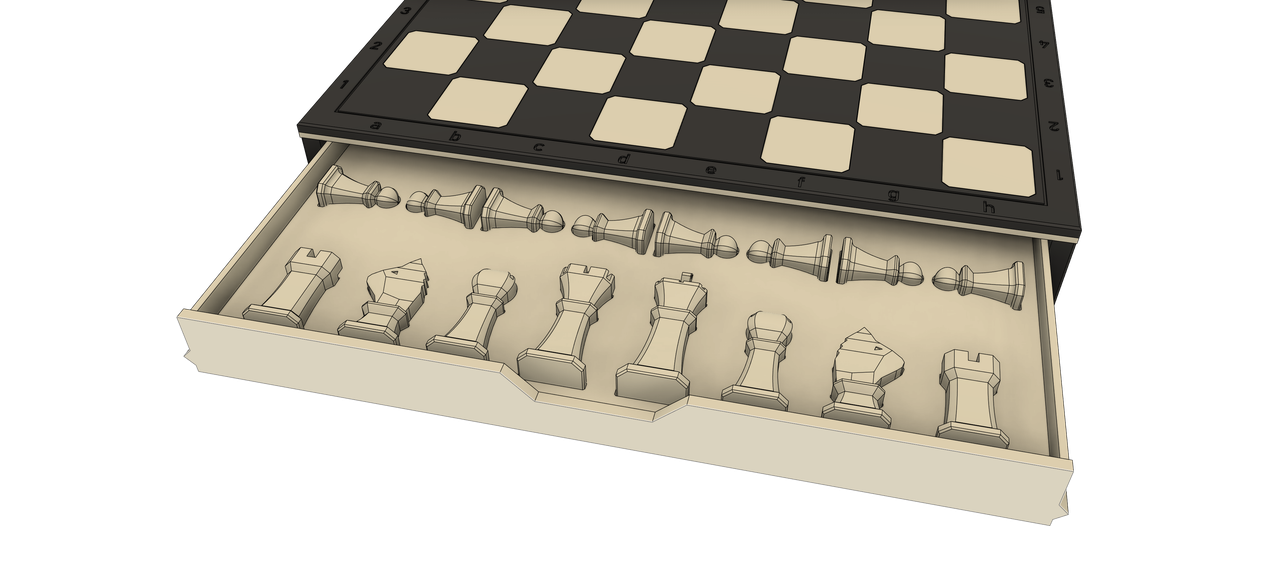
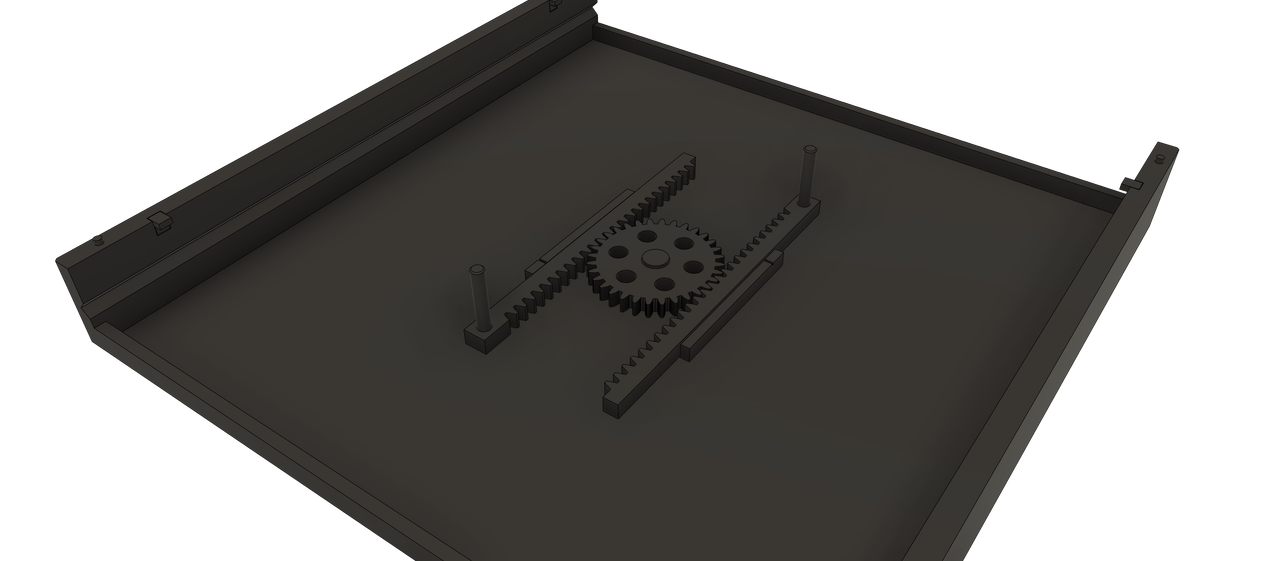
- Geared drawers. Each player has a drawer on their side of the board. Pull one open and the other glides out the opposite side at the same time, so both players get their pieces together. This also makes it great for travel; since the drawers are geared against each other, they won't open if the board is tipped or tilted.
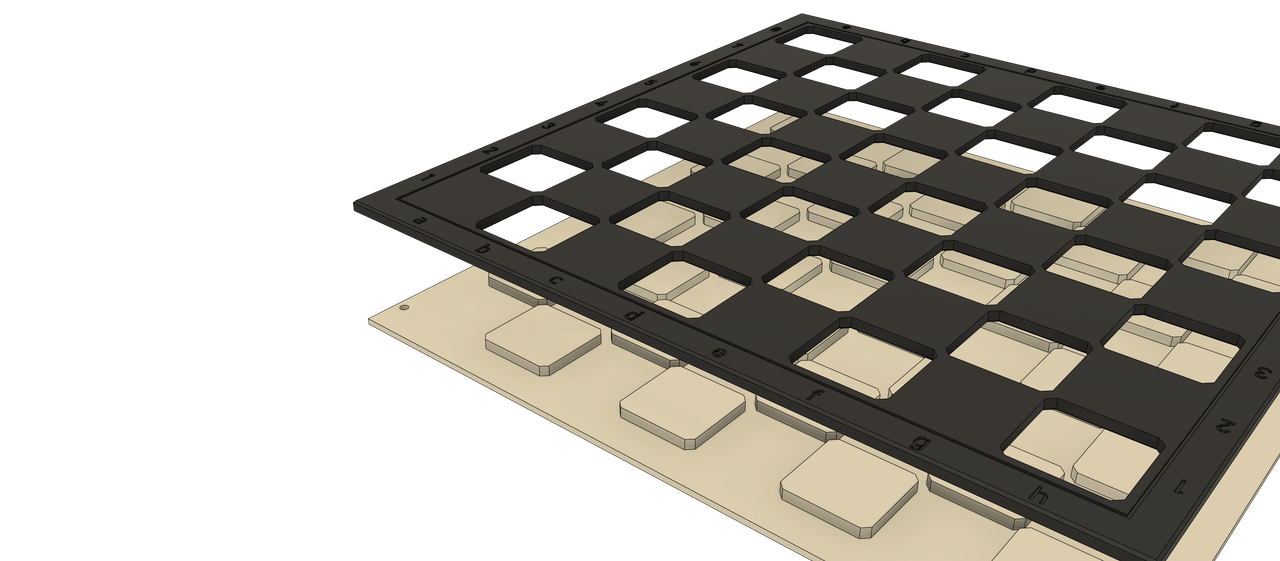
- Two-color board from single-color prints. The light squares are pillars on a base plate. A one-piece dark lattice drops over them, and everything sits flush in a true checkerboard.
- Pockets for every piece. All 16 pieces of each army lie in their own fitted pockets, laid out in starting order as that player sees them.
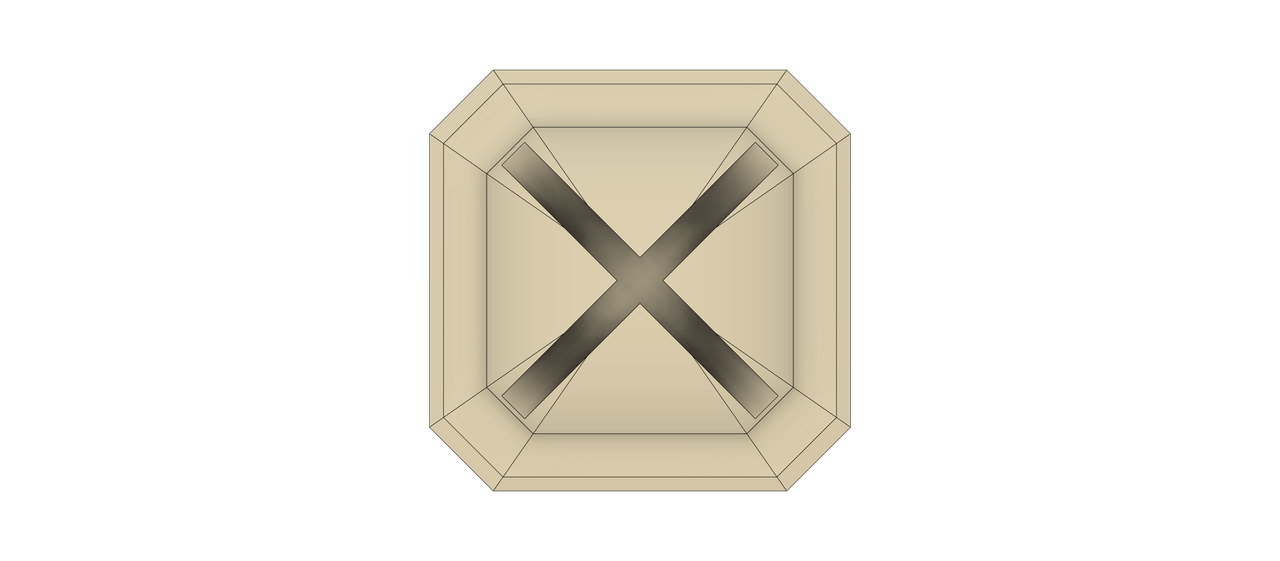
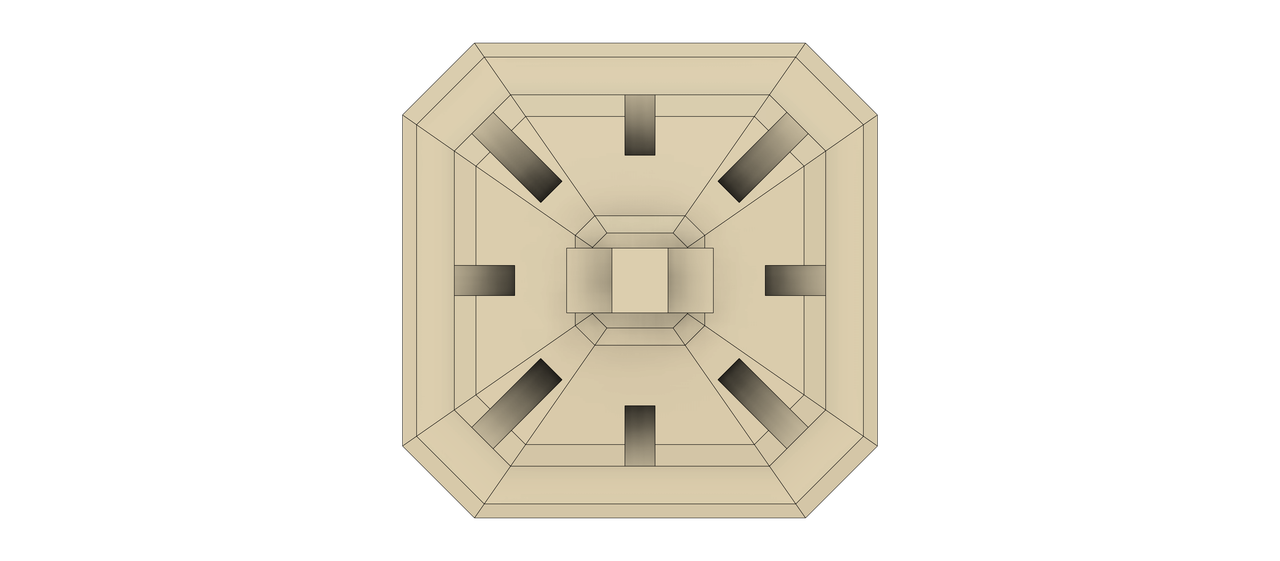
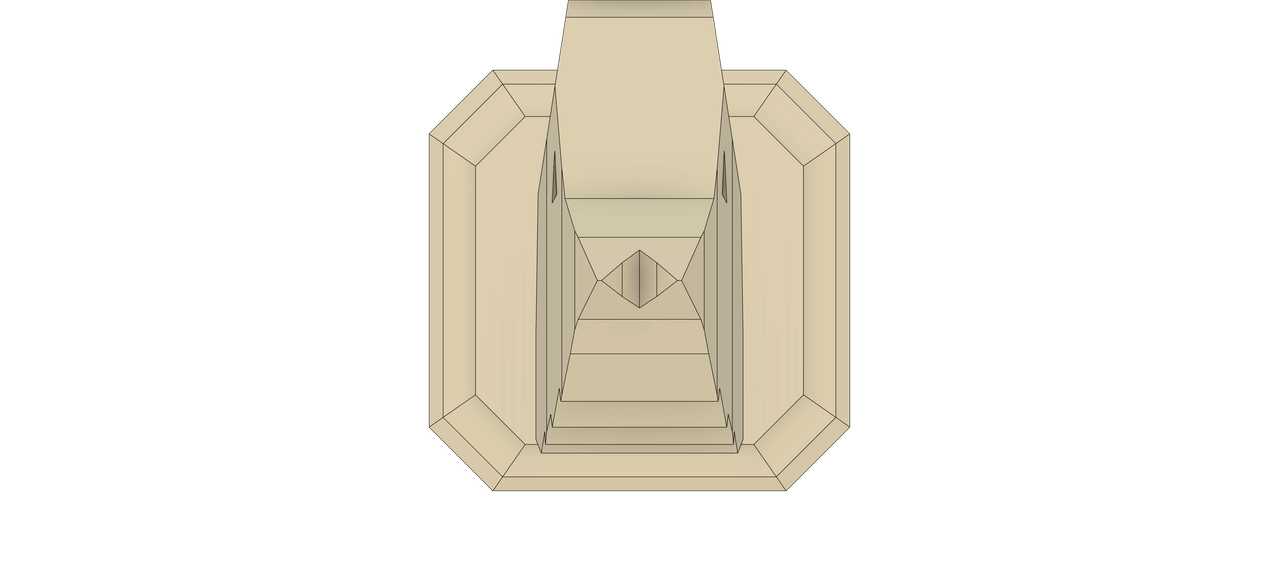
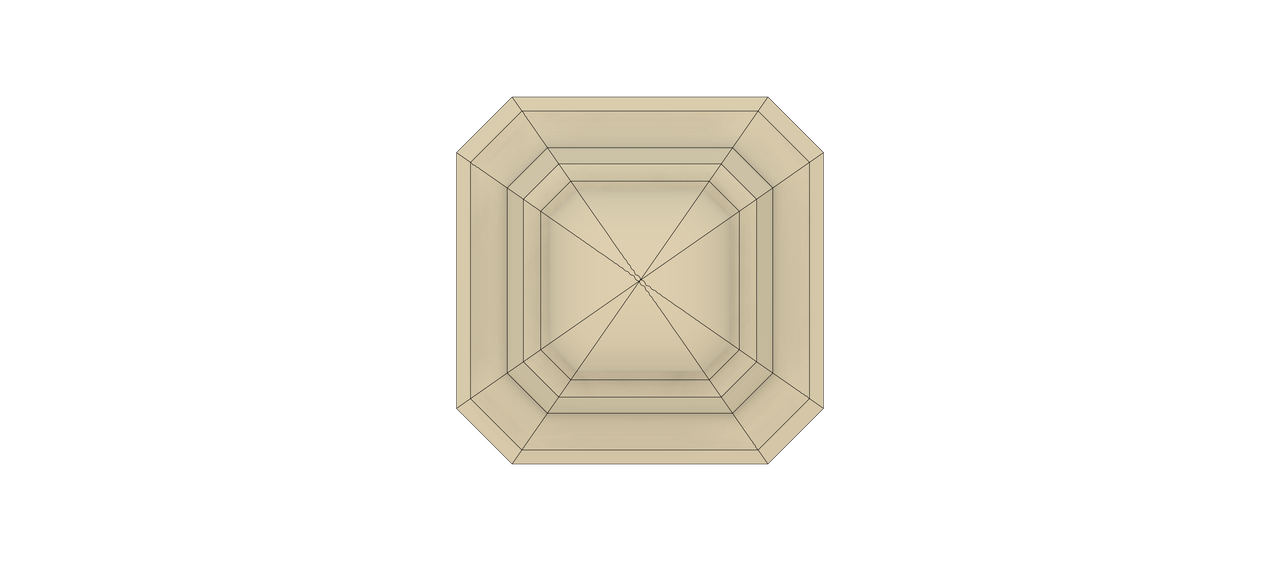
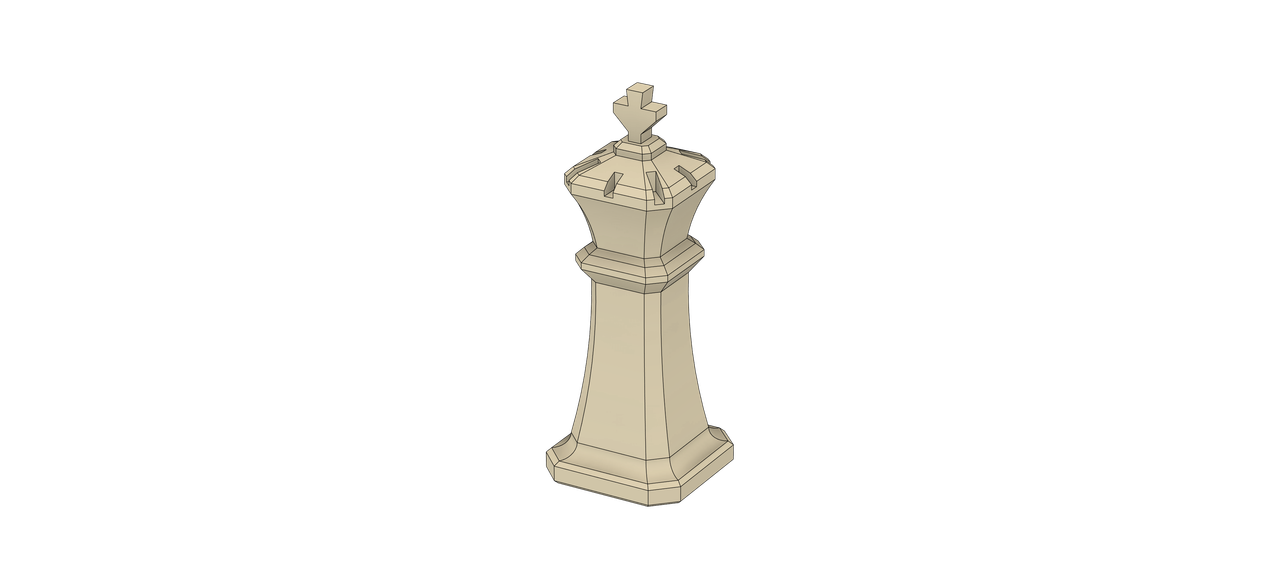
- Crowns that teach the moves. Each piece's crown is cut with the shape of how it moves, so new players can read the rules straight off the pieces:
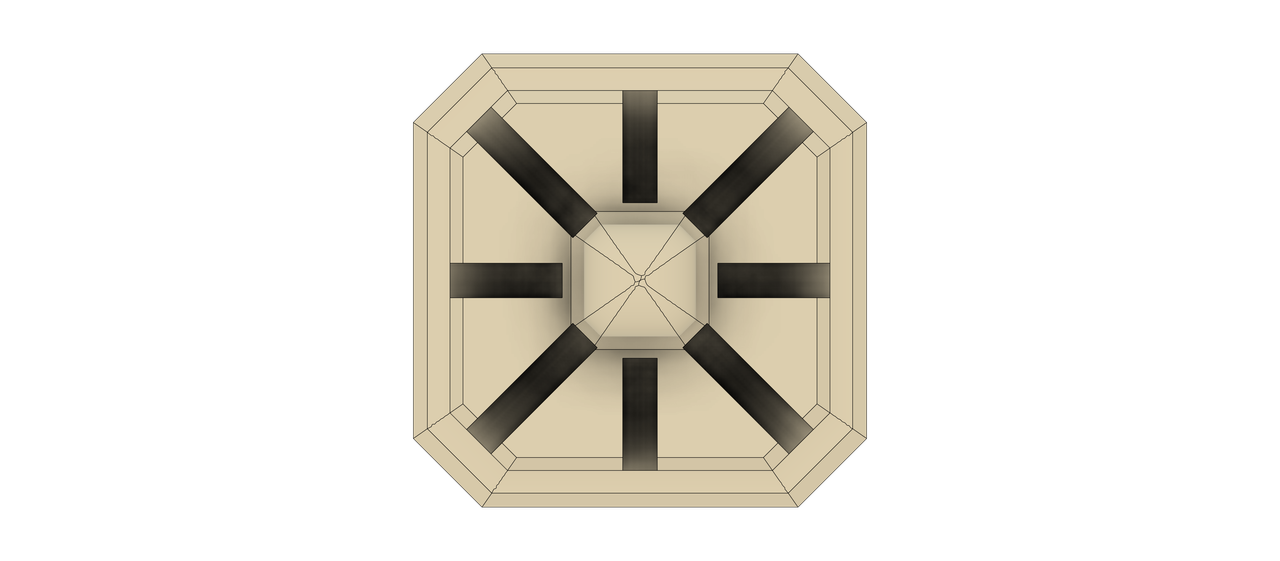
- King: eight short notches, one square in any direction.
- Queen: eight long slots, any distance in any straight line.
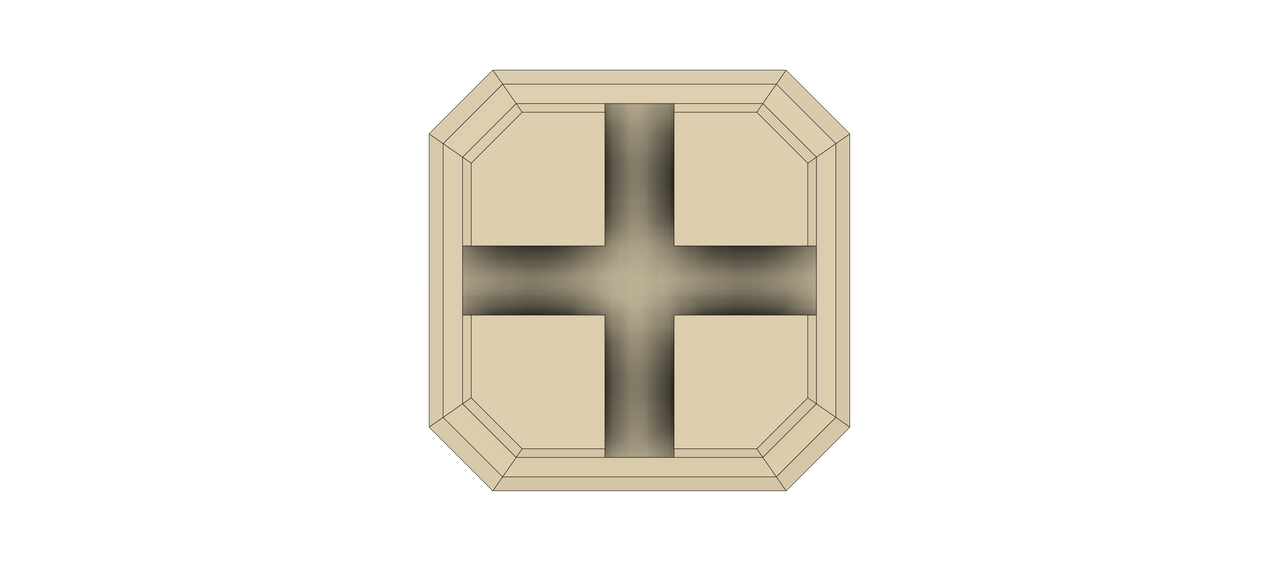
- Rook: a cross, any distance along a rank or file.
- Bishop: an X, any distance along a diagonal.
- Knight: the horse's head, an L-shaped jump that isn't a straight line, so it has no crown pattern.
- Pawn: a plain crown, the simplest piece.
Notch length matches range: short marks step one square, long slots slide as far as the path is clear. Once you know that, a glance at the board reminds you how everything moves, with no rulebook needed mid-game.
How it works
Under the board, a 32-tooth gear sits on a central post between two toothed racks. Each rack is pinned to one drawer. When you open one drawer, its rack turns the gear, which drives the other rack and pushes the opposite drawer out. Because the drawers are geared against each other, tilting the set won't slide them open. 45° V-rails guide the drawers, small stop keys limit their travel, and the board rests on top, holding everything captive.
The pieces





Printing and Building
Print/Build Overview
All parts print on single color plates with no supports. No screws or hardware required; however, you’ll need a couple of dabs of super glue for assembly. The exact 7 plates I printed are included, fully arranged and oriented, as .3mf files. Creality Print should import the settings I used. If you're using another slicer, refer to the detailed print settings file.
The file names include the color each plate needs to be printed in (light or dark) and the recommended print order. Be sure the prints fit on your plate, I printed this on my K2 Pro and used 285mm x 285mm of the build space. A smaller version that fits on a 220mm build plate has been added to the files. Fusion doesn't show any issues, but I haven't printed it yet myself. If you build the 220mm version, let me know!
Individual .stl files are included if you’d like to arrange your own plates or print one off pieces (replacements, spare armies for promotion, etc.). The .stl file names include the plate number I recommend placing each piece on if you’re building your own plates. For example, “01-Plate-04 LIGHT - Coupling pin.stl”, “01-Plate-04 LIGHT - Drawer White.stl”, and 01-Plate-04 LIGHT - Rack White” would all be place on plate 4. Download them individually or in the consolidated zip.
General Print Settings
I can confirm this prints in both PLA and PETG. I’ve included the exact, detailed settings I printed with in print-settings.pdf. PLA looks nicer, in my opinion, but PETG is easier to print because of how well it adheres to the plate. The black/white set in the Thing's images is printed in PETG and the bone/clay set is PLA.
Two important things to keep in mind. First, the pins need to be printed with brims. They’ll fail to print otherwise. Second, these are large prints. A perfect first layer is key, so slow your first layer down. Stupid slow. Get the first layer right and the rest is easy. I'm not familiar with other printers, but the K2 Pro requires a good 60 minute soak at your plate temperature to ensure thermal expansion doesn't chop up the first layer. Use a concentric bottom layer pattern with PLA to reduce the possibility of warp lifting a corner. Again, the single most important thing you can do to ensure success is to slow your first layer way, way down.
The following can be used as a general guide for your prints:
- Must be able to print 285mm by 285mm
- Material: PLA or PETG
- Nozzle: 0.4mm
- Layer Height: 0.2mm
- Structural Parts:
- Walls: 3
- Top Layers: 5
- Bottom Layers: 4
- Infill: 15% Gyroid
- Army Pieces:
- Infill: 100%
- Wall Speed: 50% (for crispness)
- Elephant Foot Compensation: 0.15mm
- Supports: No
If your ironing is dialed in, you can use it for the top surfaces of both lattices for smooth, flush squares.
A illustrated build guide and detailed print settings are included in the files.
Fit Test
The boards light pillars are drawn 0.2mm smaller per side than the dark windows. Printers and filament differ, so print the two small coupons (“00-00-00 TEST - Fit coupon DARK.stl” and “00-00-01 TEST - Fit coupon LIGHT.stl”) to test fit and dial in ironing before committing to the full board.
If the pillars are too tight, set X-Y contour compensation to -0.05mm on the light lattice and reprint the coupon. If they rattle, use +0.05mm instead. Take note of your settings and use them when you print the full lattices.
Assembly
Please see the illustrated build guide ("Build Guide.pdf") for further details.
Printing the How-To-Play Booklet
Be sure you've downloaded the printable booklet ("Opposition_-_How_to_Play_Printable_Booklet.pdf") as it's been formatted to print into a folded booklet. Then:
- Print double-sided
- Set to "Flip on short edge"
- Print at actual size (no scaling)
- Fold the four sheets and staple them along the crease
CAD Files
Want to make a remix? Reach out to me directly at [email protected] for the native CAD files.
License
This design is released under the Creative Commons Attribution license. You're free to print it, share it, remix it and use it commercially, including selling prints, as long as you credit the original creator and link back to this page.
How to Show Your Support

Change Log
16/11/2026
- Added "Print Files (STL) - 220 mm bed (Testing).zip" to files at request of user wanting to print on a smaller printer. Will fit on a 220mm bed. Fit confirmed in Fusion, not yet printed.
17/11/2026
- Added PLA .3mf plates
- Updated Print settings with PLA settings. Changed filename to "Detailed-Print-Settings.pdf"
- General House keeping:
- Consolidated individual .3mf plates into their respective PLA and PETG .zip folders.
- Reorganized files
- Minor modifications to text throughout to align with newly organized files/folders and addition of PLA plates/settings.
- Formatting
18/11/2026
- Added images of a bone/clay PLA print





💬Thingiverse Community Comments(2)
★Thingiverse Original Reviews